
Checking your CIBIL score and and keeping track of it at regular intervals is a good financial practice that everyone should adopt. It is good for several reasons:
- You stay up-to-date about how your financial profile looks like
- Review trend of the credit score to understand how recent activities impact it
- You become able to take informed decisions regarding your financial well being
- Any identity fraud can be detected by reviewing the credit report incase someone used your identity to acquire a loan or card.
Then the question arises that how can we check our credit score and detailed credit report. Let’s see 5 easy ways to check your CIBIL score & report-
OneScore App
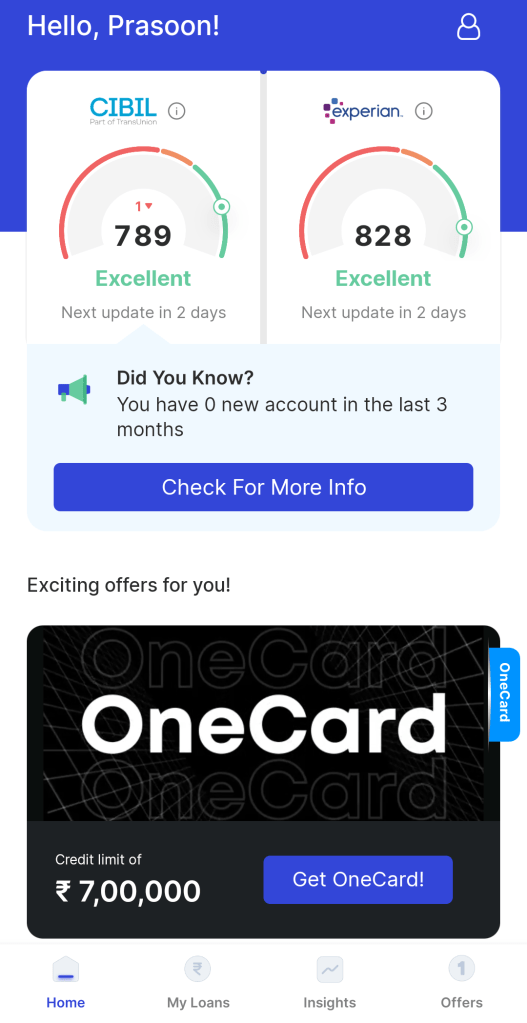
Checking your CIBIL score range online for free with the OneScore app is very easy. Here’s how you can do it:
- Download the OneScore app from the Play Store or App Store
- Create your account by providing details like your mobile number that is linked with your PAN and Aadhaar card & enter details such as your name, address, and email address
- You will be able to see your credit score from CIBIL as well as Experian score
- Use the ‘My Loans’ tab to see all the active as well as closed card and loan accounts
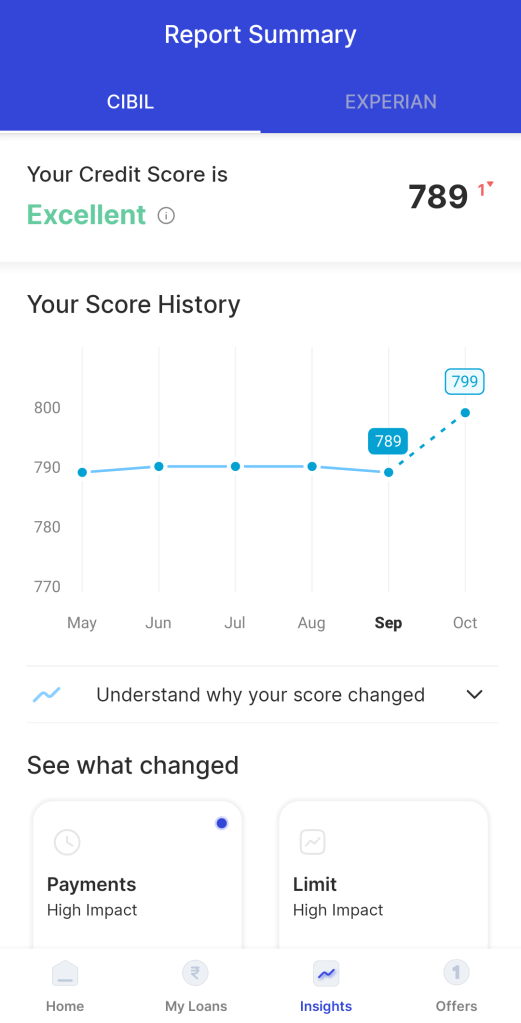
- Use the ‘Insights’ tab to see all the score trend and projected score

Amazon
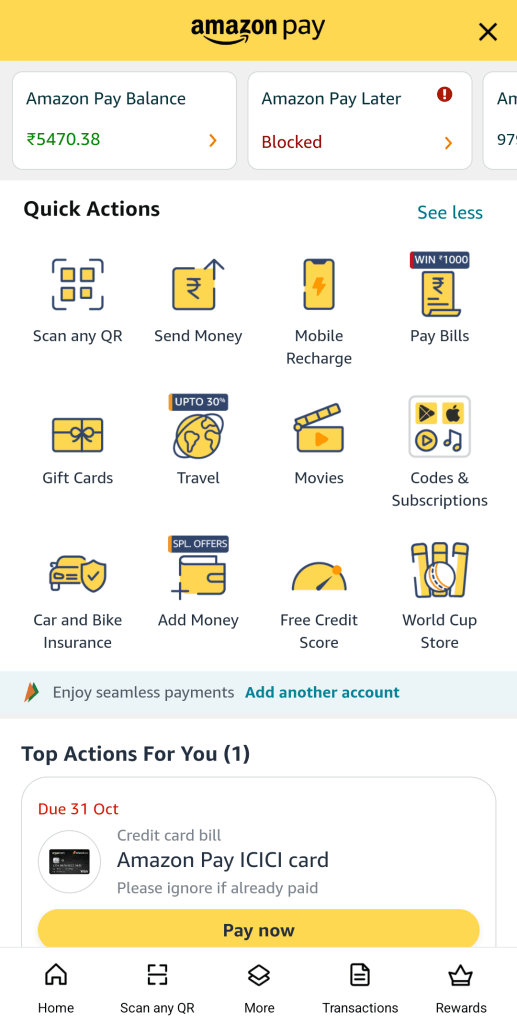
Amazon lets you check your CIBIL score for free once a month. Below are the steps:
- Go to Amazon Pay option in Amazon app
- Locate the ‘Free Credit Score’ option in Quick Actions section or under Manage section
- Enter your PAN and submit
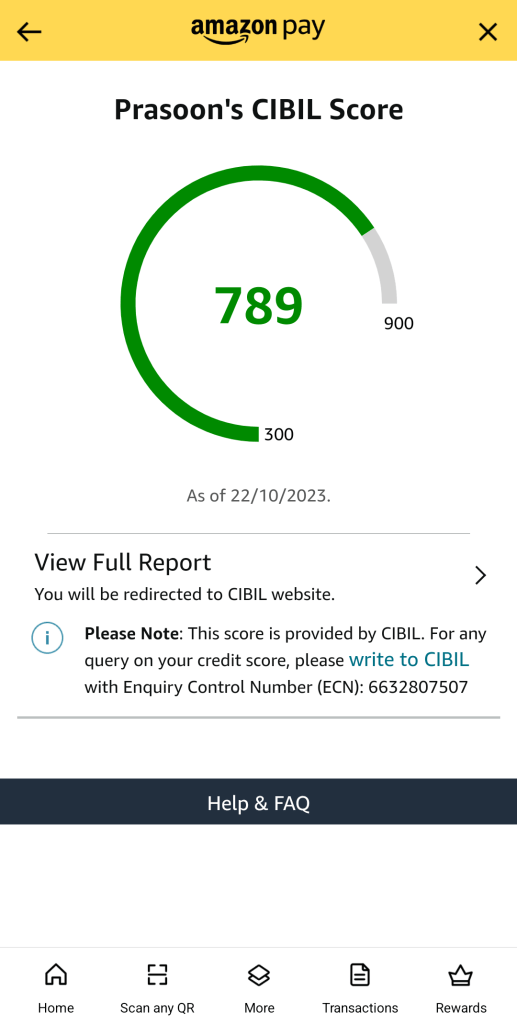
- Your CIBIL score will be shown and a link to see the detailed report will be present below
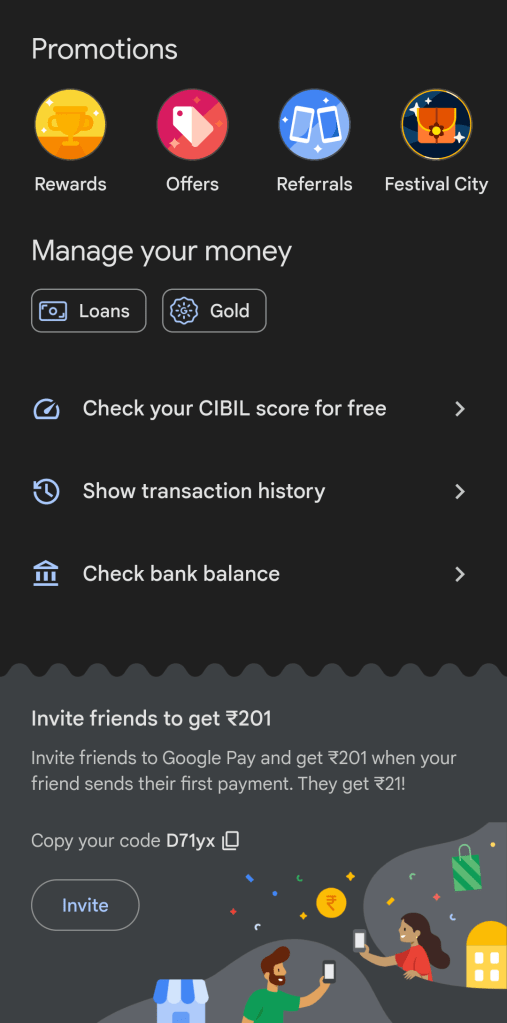
Google Pay app
Google Pay app also has recently introduced the option to fetch the CIBIL score.
- Go to Google Pay app
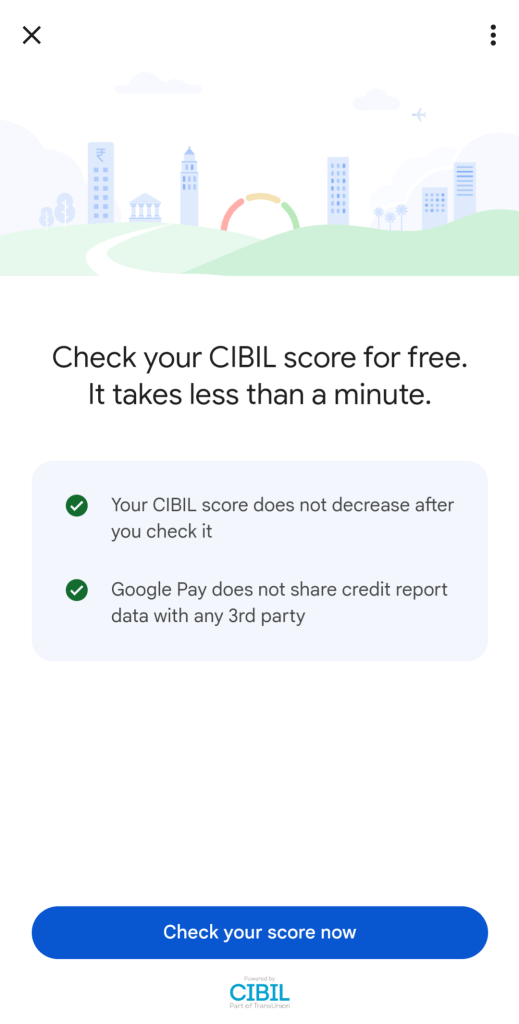
- Scroll down to locate the ‘Check your CIBIL score for free’ option
- Click on ‘Check your score now’
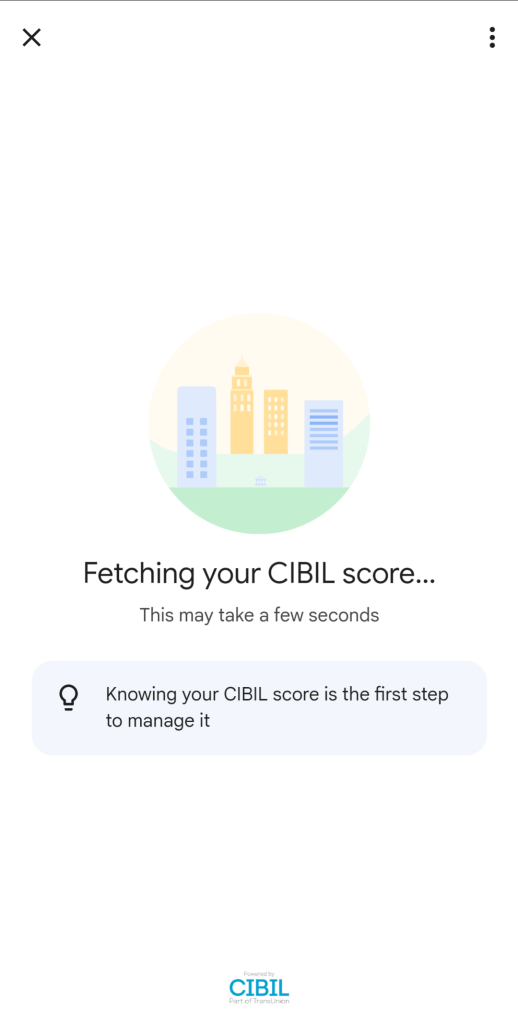
- Enter your PAN and submit
- Your CIBIL score will be shown and a link to see the detailed report will be present below.
Freecharge app
You can use the Freecharge app too to find out your CIBIL score. Like other options, here too you will have to wait for a month to see the refreshed score.
CIBIL website & app
CIBIL provides one report a year without any charge and it can be checked online. Following are the steps through which you can check the CIBIL score:
- Go to the official CIBIL website https://www.cibil.com/
- Select ‘Get your CIBIL Score’
- Click on ‘Click here’ to get your free annual CIBIL score
- Type in your name, e-mail ID, and password. Attach an ID proof (passport number, PAN card, Aadhaar or Voter ID). Then enter your PIN code, date of birth, and also your phone number
- Click on ‘accept and continue’
- You will get a one-time password (OTP) on your registered mobile number. Type in the OTP and select ‘Continue’
- Select ‘go to dashboard’ and check your credit score
- You will be redirected to the website, myscore.cibil.com
- Click on ‘member login’ and once you log in, you can see your CIBIL score.
Note: CIBIL provides paid plans as well which will let the user check the score anytime without restriction or waiting period.

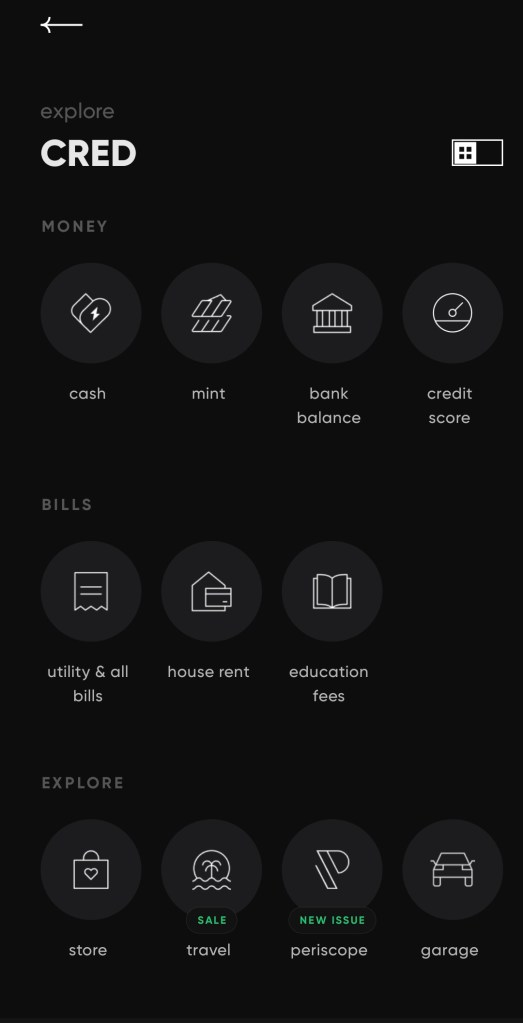
Cred App
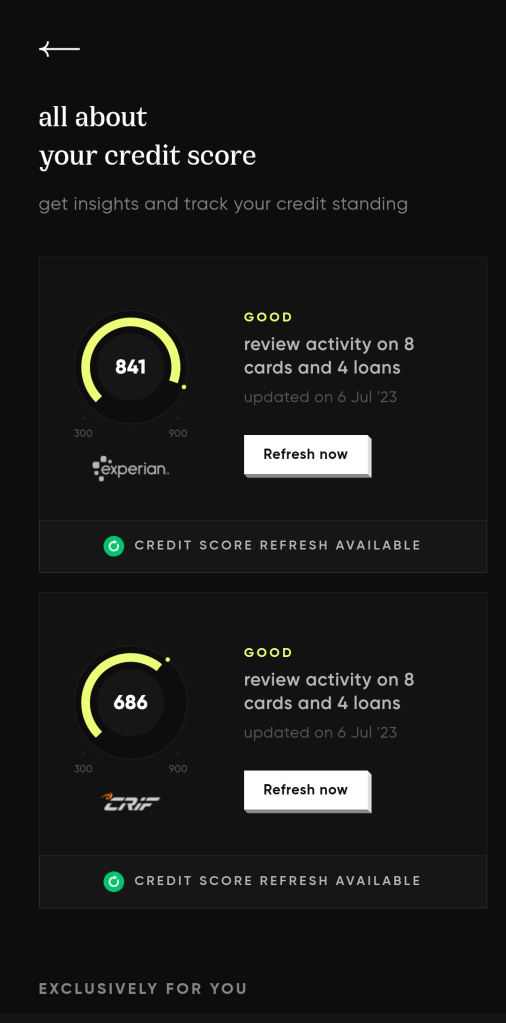
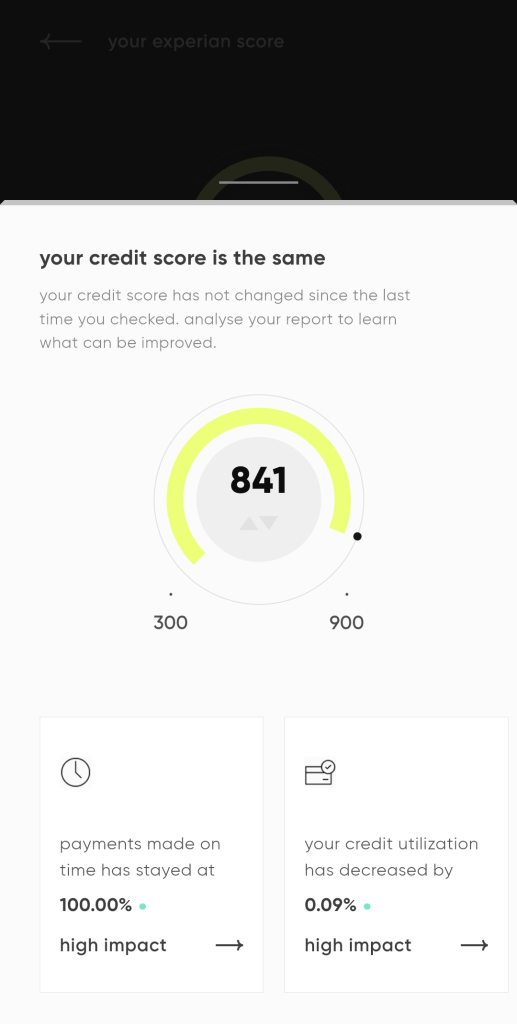
Cred app does not shows the CIBIL score but you can get Experian and Crif score. Also, the details of the active cards is available in the app.
Which option do you use to check your credit score? Do you monitor your credit scroe regularly? Feel free to share your views in the comment section below.
 CredCrux